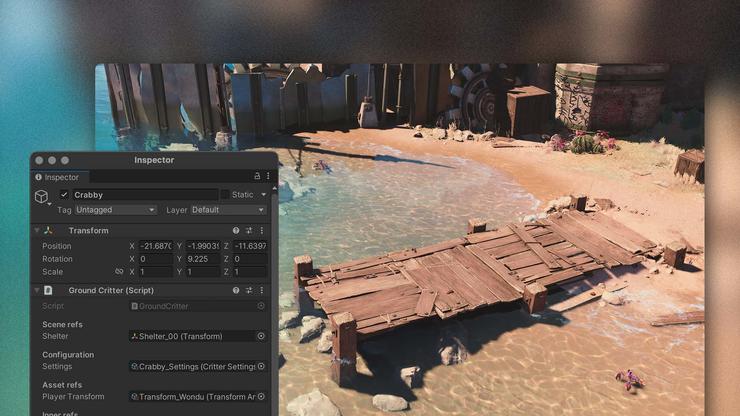
Сохранение игровых данных — неотъемлемый аспект разработки игр в Unity. В этой статье мы глубоко исследуем различные подходы к сохранению данных, учитывая ваш обширный опыт в написании статей и ваш стаж в редактировании текстов.
PlayerPrefs: Простота и Ограничения
Один из самых простых способов сохранения данных в Unity — использование PlayerPrefs. Этот метод позволяет хранить данные между сессиями, но он имеет свои ограничения. PlayerPrefs удобен для хранения небольших объемов данных, таких как настройки игры или простые параметры, но не является оптимальным для сложных структур.
Сериализация JSON: Универсальность и Гибкость
Для более сложных данных можно воспользоваться сериализацией в формат JSON. Этот метод обеспечивает универсальность и гибкость, позволяя сохранять и загружать сложные объекты. Однако, при работе с большим объемом данных, производительность может стать замедляющим фактором.
JSON предоставляет компактный и читаемый формат данных, что облегчает отладку и взаимодействие с сохраненной информацией.
Система Сохранения Unity: Работа с Потоками
Unity предоставляет встроенную систему сохранения, которая позволяет сохранять и загружать данные в бинарном формате. Этот метод особенно полезен для сохранения сложных объектов и массивов. Он обеспечивает высокую производительность, но требует внимательного управления потоками, чтобы избежать блокировок и снижения производительности. Это особенно важно учитывать при выборе игрового движка для проекта.
Система сохранения Unity предоставляет уровень контроля и эффективность при работе с различными типами данных и структурами. Это находит применение в сфере разработки ПО.

SQLite и Базы Данных: Для Крупных Проектов
Для крупных проектов, где требуется масштабируемость и сложные запросы, использование баз данных, таких как SQLite, становится логичным выбором. SQLite обеспечивает надежное хранение данных, поддерживает сложные запросы и предоставляет возможность эффективного управления большим объемом информации.
Базы данных подходят для проектов с обширной системой сохранения, включающей в себя множество взаимосвязанных данных и сложных структур.
Обзор Asset Serialization: Unity YAML и Binary
Unity предлагает два основных формата сериализации данных: YAML и Binary. YAML обеспечивает человекочитаемый формат, удобный для работы в команде и контроля версий. Однако он менее эффективен в терминах производительности при сохранении/загрузке данных.
Binary формат, напротив, более компактен и эффективен, что делает его предпочтительным для проектов, где важна производительность.
Заключение
Существует множество способов сохранения игровых данных в Unity, каждый из которых обладает своими преимуществами и ограничениями. Выбор метода зависит от конкретных требований проекта, будь то разработка мобильных игр или другого программного обеспечения, и понимание различий между ними позволит вам эффективно решать задачи сохранения данных в ваших играх. С вашим опытом исследования и структурирования информации, вы можете успешно рассмотреть их ваши читатели.