Как организовать надежный обмен данными между корпоративным порталом и учетными системами, настроить расписания синхронизации и избежать распространенных проблем
Зачем интегрировать портал с учетными и кадровыми системами
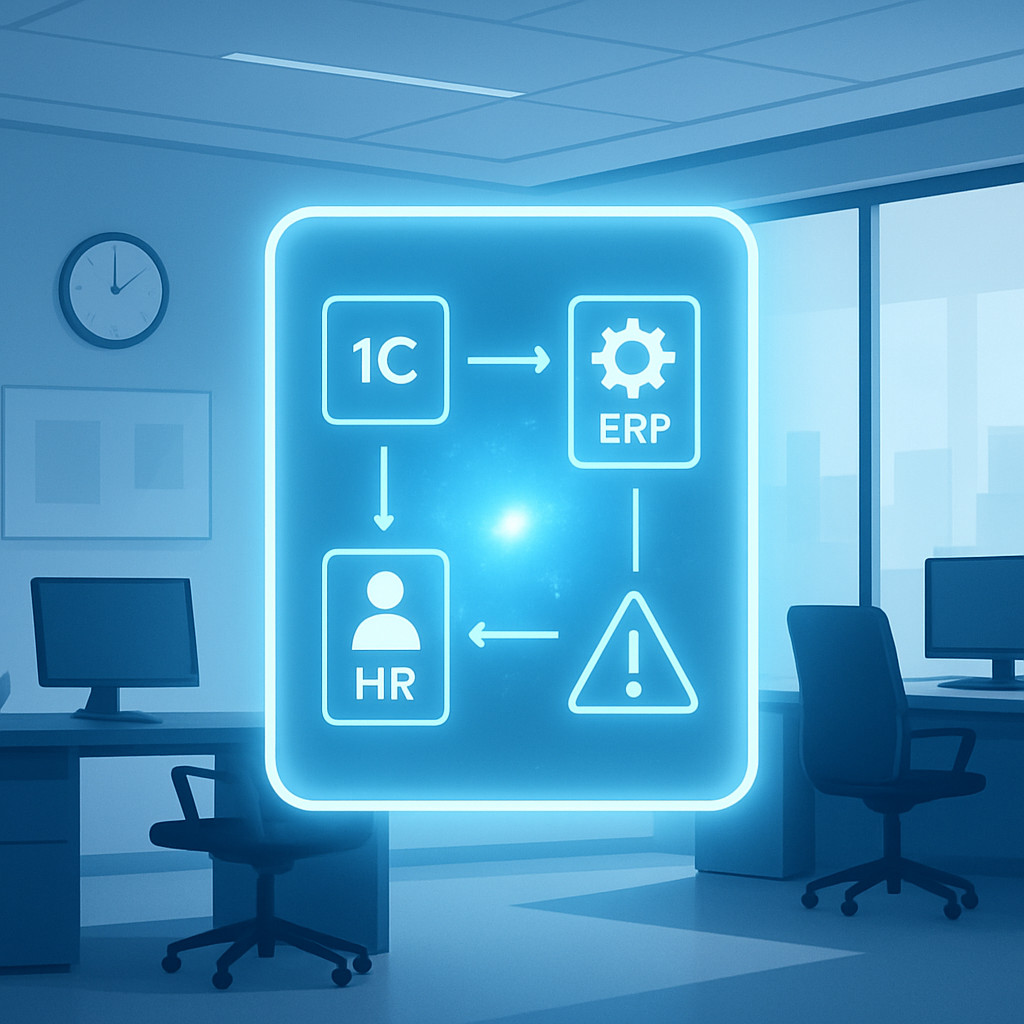
Современный корпоративный портал перестал быть просто информационной витриной. Без прямого обмена данными с 1С, ERP- и HR-платформами он теряет до 60% своей ценности: сотрудники вынуждены вручную переносить заказы, сверять графики отпусков и запрашивать выписки из бухгалтерии. Интеграция превращает портал в единую точку доступа, где автоматически актуализируются зарплатные листки, штатное расписание, складские остатки и производственные задания.
В этой статье разберём три ключевых аспекта: типовые сценарии обмена, настройку расписаний синхронизации и самые частые ошибки, которые допускают даже опытные команды. Материал опирается на многолетнюю практику ESK Solutions в создании и поддержке корпоративных порталов с интеграционным слоем любой сложности.
Ключевые сценарии обмена данными
Выгрузка данных о сотрудниках из кадровой системы
Портал должен оперативно получать из HR-системы информацию о новых сотрудниках, перемещениях и увольнениях. Это критично для отображения оргструктуры, профилей пользователей и настройки ролей в личном кабинете. Обмен обычно строится через REST API или прямые коннекторы к популярным платформам (SAP HR, Oracle HCM, HR-модули 1С).
Регулярное обновление данных о должностях, подразделениях и контактной информации избавляет от необходимости вести несколько справочников вручную. При корректной настройке актуализация занимает не более 1-2 минут после внесения изменений в кадровой системе.
Синхронизация заказов и документов с 1С/ERP
Один из самых востребованных кейсов — автоматическая передача внутренних заказов (заявки на материалы, служебные записки, командировочные) из портала напрямую в контур 1С или ERP. После обработки заявки обратный статус (согласовано / отменено) возвращается на портал, и инициатор видит итог без звонков в бухгалтерию.
Аналогично происходит обмен финансовыми документами: счета на оплату, авансовые отчёты. Интеграция исключает дублирование ввода и снижает количество ошибок ручного переноса данных. В проектах ESK Solutions для этого часто используются гибкие веб-сервисы, разрабатываемые под конкретную архитектуру заказчика.
Обмен графиками и расписаниями
Сотрудникам нужен доступ к актуальным графикам сменности, отпусков и дежурств. Портал, интегрированный с системами планирования рабочего времени, синхронизирует расписания в реальном времени. Это особенно актуально для производственных компаний с посменным режимом работы, где график может меняться несколько раз в неделю.
Интеграция позволяет не только просматривать, но и подавать заявки на смену графика или отпуск через портал, которые затем автоматически отражаются в HR-контуре. При этом соблюдаются все бизнес-правила согласования, заданные в основной системе.
Настройка расписаний синхронизации: варианты и подводные камни
Частота и метод обновления данных зависят от специфики бизнес-процессов. Не существует единого «правильного» расписания, но можно выделить три основных подхода.
Событийная синхронизация (real-time)
Изменение в учётной системе мгновенно инициирует отправку данных в портал через механизмы вебхуков или брокеров сообщений (RabbitMQ, Kafka). Плюс — максимальная актуальность. Минус — повышенная нагрузка на интеграционную шину, риск «лавины» при массовых обновлениях и необходимость надёжной обработки ошибок доставки. Используется для критичных операций: блокировка сотрудника при увольнении, отзыв заявки, срочное изменение графика.
Регулярная пакетная синхронизация
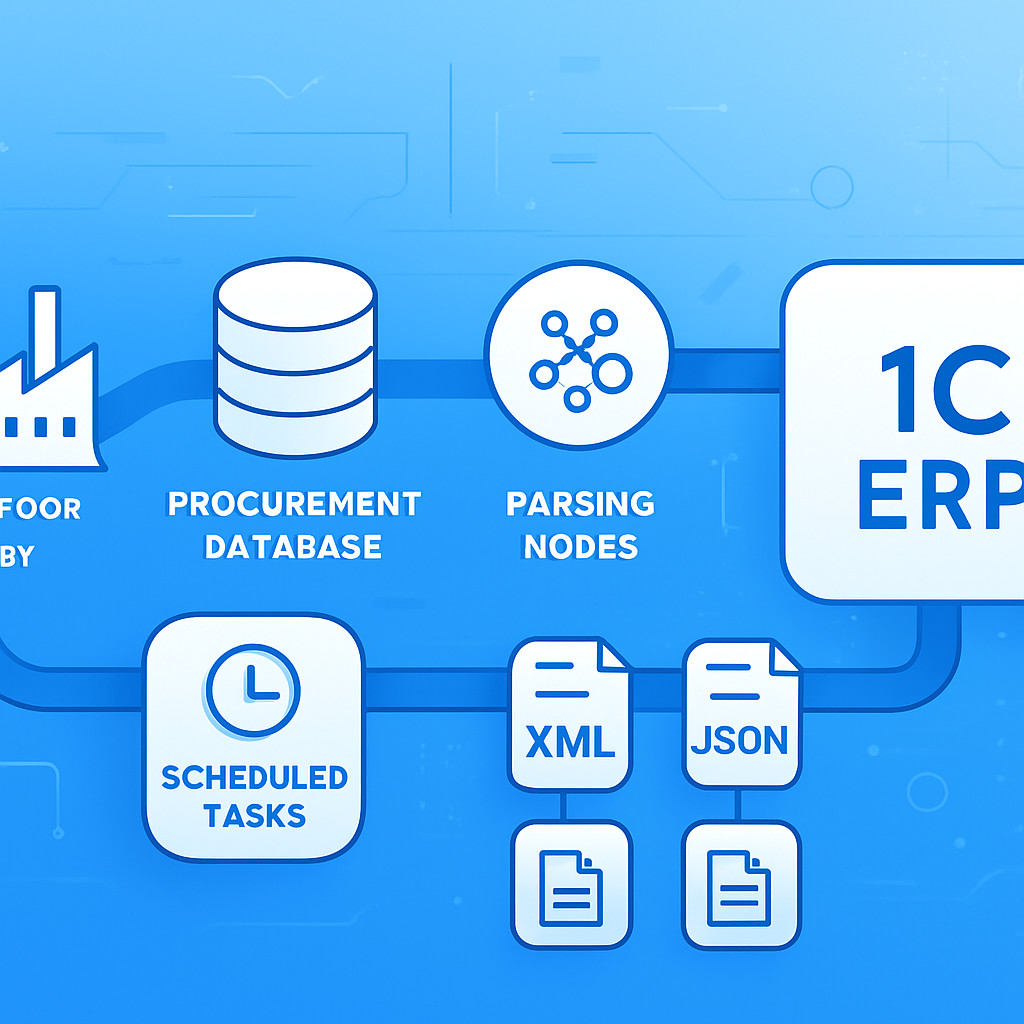
Наиболее распространённый вариант: раз в N минут (или часов) планировщик на стороне портала или промежуточного сервиса запрашивает у источника список изменившихся объектов. Такой подход снижает нагрузку и понятен для мониторинга. Интервал подбирается экспериментально: для кадровых данных достаточно 15–60 минут, для складских остатков может потребоваться 5 минут.
Критический момент — настройка журнала передачи и idempotence: повторная отправка одного и того же пакета не должна приводить к дублированию записей на портале. В наших облачных сервисах мы реализуем проверку контрольных сумм и меток времени, чтобы раз и навсегда исключить дубли.
Ручной запуск и отложенные задания
Для операций, требующих явного подтверждения администратора (например, загрузка годового бюджета), используется ручной триггер. В дополнение к этому портал может поддерживать отложенные задания по расписанию Cron, которые запускают ночной обмен тяжёлыми данными. Важно мониторить выполнение таких заданий и предусмотреть алерты при зависании.
Общая рекомендация: не смешивать событийный и пакетный каналы без четкого разграничения временных окон, чтобы избежать конфликтов версий. Проектировать расписание нужно вместе с командой, отвечающей за серверную инфраструктуру — наши эксперты по SaaS-решениям всегда включают этот этап в план интеграции.
Типовые ошибки при интеграции портала
Даже продуманная схема обмена может давать сбои. Ниже перечислены ошибки, которые встречаются в 80% первых интеграционных итераций.
- Ошибки сетевого соединения и недоступность источника. 1С или ERP могут находиться во внутренней сети компании, тогда порталу в облаке нужен защищённый туннель (VPN, Direct Connect). Часто забывают резервировать канал — при обрыве синхронизация останавливается, а пользователи видят устаревшие данные. Решением служит временное кэширование на стороне портала и повторная отправка по триггеру.
- Несоответствие форматов и версий API. При обновлении учётной системы меняются контракты данных, а на портале остаются старые парсеры. Возникают ошибки десериализации. Жёсткая привязка к полям без открытой схемы делает интеграцию хрупкой. В ESK мы предпочитаем вариант с канонической моделью данных и адаптерами на каждой стороне, что упрощает поддержку.
- Проблемы с правами доступа. Учётная запись, под которой происходит обмен, может не иметь доступа к нужным регистрам или не получать новые поля после доработки 1С. Это проявляется не сразу, а при попытке синхронизировать расширенный справочник. Аудит прав на этапе проектирования — обязательная процедура.
- Конфликты обновлений и потеря изменений. Если две системы одновременно правят один объект (например, профиль сотрудника и кадровая система), без стратегии разрешения конфликтов часть данных теряется. Оптимально — определить «ведущую» систему для каждого атрибута и запретить прямое редактирование в зависимом контуре.
Как ESK Solutions помогает с интеграцией
Мы не верим в универсальные коннекторы «из коробки», которые подходят всем. Каждая интеграция требует анализа бизнес-процессов и архитектуры. Наш опыт в создании CRM-систем и портальных решений позволяет предложить проверенные шаблоны для стыковки с 1С, SAP, Microsoft Dynamics и самописными системами.
В рамках услуги веб-разработки мы реализуем интеграционные слои на надёжных фреймворках, создаём мониторинг очередей и настраиваем механизмы отката. При необходимости разворачиваем облачную инфраструктуру (облачные сервисы) для буферизации и преобразования данных между контурами. Всё это сопровождается детальной документацией, так что ваш ИТ-отдел сможет автономно развивать интеграцию дальше.
Часто задаваемые вопросы
Вопрос: Что делать, если во время обмена обрывается соединение?
Ответ: Настройте повторные попытки с экспоненциальной задержкой. На стороне портала или интеграционной шины реализуйте очередь с подтверждением доставки. Сеансовые данные следует временно сохранять в лог-файле, чтобы после восстановления канала дослать необработанные пакеты. Обязательно предусмотрите алерт для администратора после трёх последовательных неудач.
Вопрос: Как часто нужно синхронизировать кадровые данные?
Ответ: Для статичных справочников (подразделения, должности) достаточно одного раза в сутки. Актуальные данные о сотрудниках (приём, увольнение, блокировка) желательно обновлять не реже чем раз в 15 минут. Массовые импорты (например, загрузка 5000 перемещений) лучше ставить на ночное окно, чтобы не нагружать системы в рабочее время.
Вопрос: Обязательно ли дублировать данные в портале или можно обращаться к 1С напрямую через API?
Ответ: Прямое обращение в реальном времени экономит место и упрощает консистентность, но создаёт полную зависимость от доступности источника. Для критичных функций (профиль пользователя, личный кабинет) мы рекомендуем гибридный подход: горячий кэш с ограниченным временем жизни и асинхронная подкачка из 1С. Так портал останется работоспособным даже при временной недоступности ERP.
Вопрос: Как тестировать интеграцию, чтобы не нарушить работу боевой системы?
Ответ: Всегда используйте тестовый контур ERP или отдельную базу 1С, идентичную по структуре боевой. Прогоните нагрузочное тестирование с пиковыми объёмами данных, проверьте поведение при обрыве сети, принудительно внесите дублирующиеся записи. Интеграционное тестирование должно быть включено в регресс при каждом обновлении учётной системы. В ESK Solutions мы выделяем специальный полигон для подобных проверок, что исключает инциденты на продуктиве.