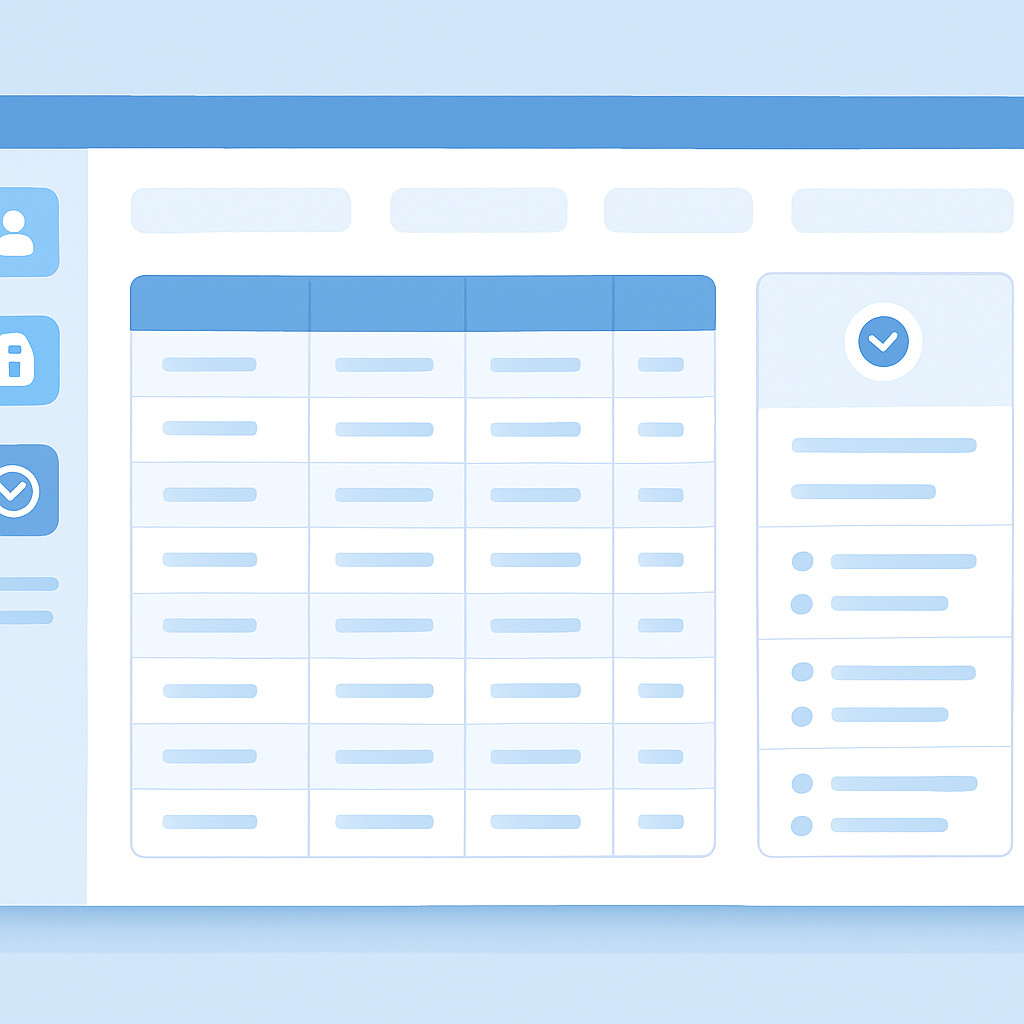
Как спроектировать удобный интерфейс оператора с гибкими правами доступа и полным логированием без ущерба для безопасности
Без эффективной админ-панели внутренние операции компании могут превратиться в хаос. Ручное обновление таблиц, ошибки из-за отсутствия валидации, риск несанкционированного доступа — всё это замедляет работу и повышает издержки. ESK Solutions проектирует кастомные решения, которые объединяют CRUD-инструменты, ролевую модель (RBAC) и аудит действий в едином интерфейсе. Разберём ключевые компоненты, которые делают админ-панель не просто инструментом, а конкурентным преимуществом.
Зачем бизнесу кастомная админ-панель
Готовые админ-ки (например, Django Admin или Active Admin) хороши для прототипов, но в реальных бизнес-сценариях часто не дотягивают: ограниченная кастомизация, неповоротливый UX, отсутствие тонкой настройки прав и аудита. Когда операторы ежедневно обрабатывают сотни или тысячи записей, даже небольшая задержка интерфейса или неудобная форма могут приводить к потере производительности и ошибкам. Индивидуальная разработка в рамках веб-разработки на заказ позволяет создать панель, точно повторяющую бизнес-логику и интегрированную с внутренними системами — от CRM до складских сервисов.
CRUD как основа: управление данными без ограничений
CRUD (Create, Read, Update, Delete) — это фундамент любой админ-панели. Но важно не просто предоставить четыре кнопки, а реализовать операции с учётом бизнес-правил:
- Создание записей: валидация на уровне формы и сервера, подстановка связанных данных, автоматическая генерация идентификаторов.
- Чтение и фильтрация: полнотекстовый поиск, динамические фильтры по датам, статусам и другим атрибутам, экспорт в CSV/Excel.
- Обновление: массовое редактирование нескольких записей (например, изменение статуса у группы заказов), история версий для отката изменений.
- Удаление: мягкое удаление (soft delete) с возможностью восстановления, каскадные проверки для сохранения ссылочной целостности.
Важно, чтобы CRUD-операции работали быстро даже при миллионах записей. Здесь на помощь приходят оптимизированные запросы, индексы БД и кэширование. Без глубокой экспертизы в веб-разработке легко допустить ошибки, которые проявятся только под нагрузкой. Мы проектируем схему данных так, чтобы административная часть не влияла на работу основного продукта.
Ролевая модель (RBAC): архитектура прав доступа
Ролевая модель доступа (Role-Based Access Control) — это не просто разделение на «администратора» и «пользователя». В серьёзных проектах требуется гранулярный контроль:
- Роли могут наследовать разрешения (например, «Менеджер отдела» получает все права «Оператора» плюс дополнительные).
- Разрешения привязываются к конкретным действиям (создание, чтение, обновление, удаление) и к определённым разделам или даже полям.
- Возможна настройка на уровне отдельных записей (Row-Level Security) — например, менеджер видит только заказы своего региона.
Грамотная реализация RBAC особенно критична в корпоративных порталах, где пересекаются интересы разных отделов — бухгалтерии, HR, логистики. Ошибка в матрице доступа может привести к утечке персональных данных или финансовым рискам. Поэтому мы моделируем права доступа на этапе проектирования, тестируем пограничные случаи и обеспечиваем возможность быстрого аудита назначенных привилегий.
UX для операторов: интерфейс, который ускоряет работу
Админ-панелью часто пользуются не технические специалисты, а линейные сотрудники. Их главные требования — предсказуемость, скорость выполнения типовых задач и защита от случайных ошибок. Плохой UX приводит к усталости, ошибкам ввода и демотивации. Что важно учесть:
- Интуитивная навигация: группировка разделов по сценариям работы, а не по таблицам БД. Например, «Обработка заказов» может объединять несколько сущностей.
- Горячие клавиши и быстрые действия: для операций, которые выполняются десятки раз в час, экономия каждой секунды ощутима в масштабе месяца.
- Контекстные подсказки и валидация в реальном времени: предотвращают ошибки до отправки формы, подсвечивая некорректные поля понятным языком.
- Адаптивность: интерфейс должен корректно работать на планшетах или узких экранах, если операторы используют мобильные устройства.
Проектируя админ-панели для SaaS-решений, мы уделяем особое внимание персонализации: возможность настройки колонок, сохранения фильтров пользователем и темизации. Это снижает запросы в поддержку и повышает удовлетворённость клиентов.
Аудит действий: прозрачность и безопасность
Аудит — это не просто лог с записями «пользователь X зашёл в систему». Чтобы обеспечить соответствие регламентам (например, требованиям GDPR или внутренним политикам), необходимо фиксировать:
- Кто и когда изменил конкретную запись (изменённые поля, старые и новые значения).
- Попытки несанкционированного доступа (в том числе через API).
- Экспорт данных или выполнение массовых операций.
Логи должны быть защищены от удаления или подмены — обычно используется запись в неизменяемое хранилище. В CRM-системах на заказ аудит критичен для отслеживания работы менеджеров с клиентской базой: история каждого касания позволяет выявлять проблемные этапы воронки и предотвращать злоупотребления.
Мы внедряем события аудита на уровне сервисов, а не только в UI. Это гарантирует, что любое изменение — даже через консоль или фоновую задачу — не останется незамеченным.
Часто задаваемые вопросы
Сколько времени занимает разработка админ-панели? Срок зависит от объёма сущностей и сложности бизнес-логики. В типовом проекте с 10-15 CRUD-модулями, RBAC и аудитом MVP можно получить за 2-3 месяца (пример). Точную оценку даём после анализа требований.
Можно ли интегрировать панель с нашей текущей системой учёта? Да, мы проектируем решение с учётом вашей ИТ-инфраструктуры. Часто реализуем обмен данными через REST API или очереди сообщений. Опыт интеграции с ERP, CRM и складскими платформами позволяет подобрать оптимальный подход.
Как обеспечивается безопасность данных в админ-панели? Помимо RBAC и аудита, мы применяем обязательное шифрование данных при передаче (TLS) и хранении, двухфакторную аутентификацию, защиту от CSRF/XSS, регулярное пентестирование. Доступ предоставляется по принципу наименьших привилегий.
Поддерживаете ли вы горизонтальное масштабирование? Безусловно. Архитектура панели проектируется как stateless-приложение, что позволяет разворачивать дополнительные экземпляры при росте нагрузки. Также настраиваются реплики баз данных и кэширующие слои. Детальнее о масштабируемой инфраструктуре можно узнать в разделе облачных сервисов.