Как OCR, Tabula и грамотно выстроенные конвейеры помогают превращать неструктурированные документы в ценные данные
В эпоху цифровой трансформации компании ежедневно сталкиваются с огромными объёмами документов, размещённых на веб-ресурсах: прайс-листы, технические спецификации, отчёты, финансовые сводки. Большинство из них находится в формате PDF, который превосходно сохраняет визуальное представление, но крайне плохо отдаёт данные для автоматической обработки. Превратить «мёртвый» PDF в структурированные строки таблиц и связанные сущности — задача, решаемая сочетанием оптического распознавания (OCR), инструментов типа Tabula и тщательно спроектированных конвейеров обработки. Студия заказной разработки ESK Solutions помогает бизнесу автоматизировать извлечение данных из документов с веб-страниц, интегрируя готовые библиотеки и собственные наработки в надёжные ETL-процессы.
Цель такого парсинга — не просто получить текст, а восстановить логическую структуру документа: заголовки, подзаголовки, абзацы, списки и, что самое сложное, таблицы. Именно таблицы содержат самые ценные коммерческие данные (цены, артикулы, характеристики), и их корректное извлечение напрямую влияет на качество аналитики, наполнения каталогов и мониторинга конкурентов. Ниже рассмотрим ключевые технологии и архитектурные подходы, позволяющие решать эту задачу в промышленных масштабах.
1. Почему извлечение структуры PDF критически важно для бизнеса
Современный рынок диктует высокую скорость реакции: цены конкурентов меняются ежедневно, ассортимент обновляется, появляются новые технические параметры товаров. Ручной сбор данных с сотен страниц PDF занимает часы и неизбежно приводит к ошибкам. Автоматическое извлечение структурированных данных решает сразу несколько бизнес-задач:
- Мониторинг цен и ассортимента у конкурентов или поставщиков, размещающих прайс-листы в PDF.
- Наполнение собственных интернет-магазинов и каталогов товарными карточками из каталогов производителей.
- Обработка технической документации и спецификаций для инженерных расчётов.
- Миграция данных из устаревших систем или архивов, где документы сохранялись исключительно в графическом формате.
Чтобы автоматизировать эти процессы, требуется не просто скачать PDF-файл, а «понять» его содержимое. Здесь на сцену выходят технологии оптического распознавания и алгоритмы анализа таблиц, которые мы подробно разберём. Студия ESK Solutions, обладая экспертизой в разработке веб-приложений, может создать кастомный интерфейс для загрузки и просмотра распарсенных документов.
2. Технологический стек: OCR и Tabula
Два столпа извлечения данных из PDF — это OCR и специализированные библиотеки для работы с таблицами.
Оптическое распознавание символов (OCR)
OCR-движки (Tesseract, Google Cloud Vision, ABBYY) переводят изображения текста в машиночитаемые символы. При работе с веб-документами PDF могут содержать встроенные шрифты без текстового слоя или вовсе представлять собой скан. Современные OCR-решения умеют:
- Распознавать текст на десятках языков, включая русский и специальные символы.
- Определять области текста, таблиц и изображений (layout analysis).
- Корректировать искажения, повороты и неравномерное освещение.
Точность распознавания достигает 99% при хорошем качестве исходных файлов. Для промышленного парсинга OCR-результаты обязательно постобрабатываются — исправляются типичные ошибки с помощью словарей, регулярных выражений и алгоритмов на основе правил.
Tabula и табличные данные
Tabula — open-source инструмент, специально разработанный для извлечения таблиц из PDF. Он анализирует векторные линии, отступы и пробелы, чтобы восстановить строки и столбцы. Tabula прекрасно справляется с текстовыми PDF, где таблицы нарисованы, а не вставлены как объекты. При работе со сканированными документами сначала применяется OCR, а затем Tabula по восстановленной геометрии строк вычленяет ячейки. Альтернативы, такие как Camelot, pdfplumber, дают дополнительные возможности по уточнению границ таблиц. Выбор инструмента зависит от сложности макета и требуемой производительности.
Команда ESK Solutions на этапе анализа подбирает комбинацию OCR и табличного парсера под конкретные шаблоны документов, что обеспечивает наилучшее качество. Пример архитектуры, включающей эти компоненты, мы рассмотрим далее.
3. Построение масштабируемого конвейера обработки PDF
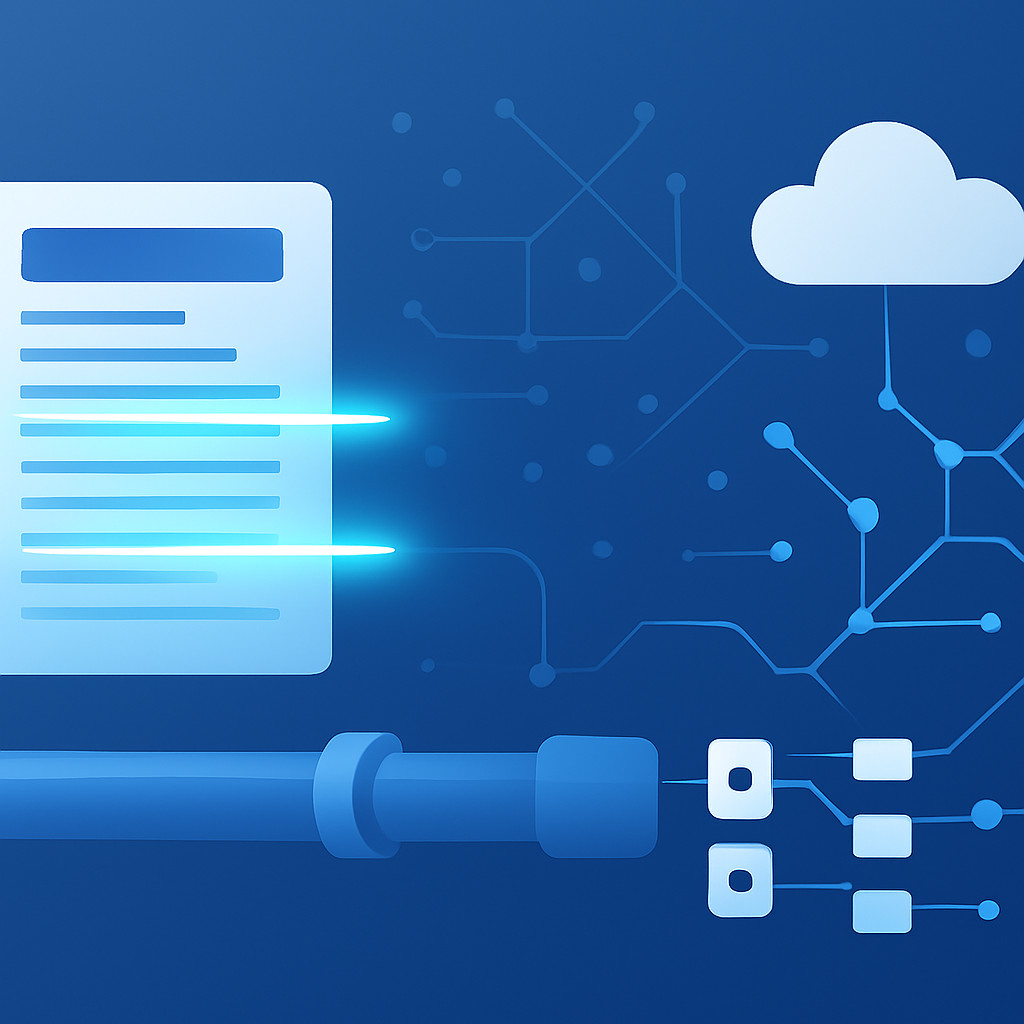
Единоразовый парсинг нескольких файлов можно выполнить скриптом, но когда речь идёт о тысячах документов ежедневно, надёжность и производительность выходят на первый план. Конвейер (pipeline) обработки PDF обычно состоит из последовательных этапов:
- Сбор (ingestion). Периодическая загрузка PDF с целевых веб-страниц. На этом шаге полезны наши компетенции в парсинге сайтов и маркетплейсов: мы настраиваем обход страниц, эмуляцию браузера, обход блокировок и выгрузку файлов в облачное хранилище.
- Предобработка. Конвертация страниц в изображения нужного разрешения, коррекция перспективы, бинаризация. Модуль на Python с OpenCV или Pillow.
- OCR-распознавание. Прогон через выбранный движок (локальный Tesseract или облачный API) с сохранением геометрии слов и блоков.
- Извлечение таблиц. Применение Tabula или pdfplumber к OCR-слою для нахождения строк и столбцов. Для сложных таблиц могут подключаться эвристики: поиск заголовков, объединённых ячеек.
- Структурирование и очистка. Собранные данные нормализуются: числовые значения приводятся к единому формату, категорийные признаки мапятся на справочники, лишние пробелы и символы удаляются. Результат — строгая таблица, готовая к загрузке в базу данных.
- Валидация и мониторинг. Проверка целостности данных (количество строк, отсутствие пропусков), запись логов и алертов при отклонениях.
Для обеспечения масштабируемости каждый этап оформляется как микросервис или serverless-функция, оркестрация выполняется через очереди сообщений (RabbitMQ, AWS SQS). Такая архитектура позволяет обрабатывать тысячи документов параллельно. Используя облачную разработку, мы разворачиваем конвейер в AWS, Azure или Google Cloud с автоматическим масштабированием. Это исключает узкие места при пиковых нагрузках, например, во время ночной выгрузки обновлённых прайс-листов.
4. Реализация проекта парсинга PDF с ESK Solutions
На практике каждый документ уникален, и универсального решения не существует. Студия ESK Solutions проводит аудит источников, составляет карту форматов и вырабатывает оптимальную стратегию извлечения. Проект обычно включает следующие шаги:
- Аудит и прототипирование. Анализируем около 30-50 образцов PDF, определяем повторяющиеся шаблоны, тестируем библиотеки. Уже на этом этапе предоставляем заказчику демо-результаты (таблицы в CSV или Excel) и согласовываем точность.
- Разработка конвейера. Пишем модули сбора, OCR и парсинга, настраиваем конфигурации под каждый тип документа. Для регулярно обновляемых документов создаём дэшборд и уведомления. Всё это интегрируется в существующую инфраструктуру клиента или поставляется как SaaS-решение, что сокращает затраты на поддержку — подробнее о таком подходе можно узнать на странице разработки SaaS-приложений.
- Интеграция с бизнес-системами. Извлечённые данные автоматически загружаются в ERP, CRM, BI-системы. Если требуется внутренний портал для работы с документами, наши эксперты по корпоративным порталам спроектируют удобный интерфейс поиска и фильтрации.
- Поддержка и развитие. Форматы меняются — мы сопровождаем решение, адаптируя парсеры под новую вёрстку.
Пример. Один из клиентов — дистрибьютор электронных компонентов — получает от поставщиков PDF-каталоги на 500–2000 страниц с таблицами наименований, серийных номеров и цен. До автоматизации менеджеры вручную переносили позиции в учётную систему, тратя до 40 часов на каталог. После внедрения конвейера время обработки сократилось до 10-15 минут (включая ручную верификацию выборочных данных), а ошибки ввода уменьшились в 5 раз. (Все цифры приведены как пример для иллюстрации эффекта, фактическая производительность зависит от конкретных условий.)
Часто задаваемые вопросы
Какие форматы PDF лучше всего поддаются парсингу?
Наилучший результат дают «текстовые» PDF, созданные из электронных документов (текст присутствует в виде символов). Сканированные PDF требуют качественного OCR и могут иметь погрешности, зависящие от разрешения и контрастности. В любом случае команда ESK подбирает конфигурацию под конкретный источник.
Можно ли извлекать данные из таблиц, занимающих несколько страниц или содержащих объединённые ячейки?
Да, современные парсеры (Camelot, pdfplumber) умеют склеивать многостраничные таблицы. Объединённые ячейки обрабатываются с помощью эвристик и пост-обработки. Для нестандартных макетов мы разрабатываем кастомные правила.
Насколько быстро обрабатывается большой объём PDF-файлов?
Скорость зависит от сложности документа и выбранной архитектуры. При использовании облачной serverless-модели конвейер может обрабатывать сотни страниц в минуту, автоматически увеличивая количество параллельных воркеров. Мы оптимизируем распознавание под бизнес-задачи заказчика.
Требуется ли постоянный доступ к интернету для работы парсера?
Если используется облачное OCR (Google, Microsoft), то интернет необходим. В случае локального Tesseract можно работать полностью автономно. Мы проектируем решение, исходя из требований безопасности и инфраструктуры клиента.
Заключение
Парсинг PDF и документов с веб-страниц — это не разовое конвертирование файлов, а выстроенная экосистема сбора, распознавания и структурирования данных. Комбинация OCR, Tabula и правильно спроектированного конвейера позволяет бизнесу получать актуальную информацию без ручного труда, ускорять принятие решений и снижать издержки. ESK Solutions возьмёт на себя все этапы — от выбора технологий до внедрения и поддержки промышленного решения. Чтобы обсудить автоматизацию обработки документов в вашей компании, свяжитесь с нами или ознакомьтесь с услугами по парсингу сайтов и прайс-листов.
Нужен парсер под ключ? Закажите услуги парсинга сайтов и маркетплейсов — мониторинг цен, выгрузки CSV/API и поддержка с фиксированной стоимостью.