С ростом бизнеса растет и потребность в документировании. И это касается не только используемого программного обеспечения, но и рабочих процессов, сетей, служб, пользователей и практически всего, что используется для поддержания коммерческой деятельности.
Дело в том, что не стоит просто собирать документацию с помощью текстового процессора или электронных таблиц. Конечно, на первых порах это может быть вполне приемлемо, и вы даже можете использовать эту рудиментарную систему, сохраняя документы в общем каталоге или облачном сервисе. Но со временем ваш бизнес гарантированно перерастет такой простой процесс. Когда это произойдет, вашей компании понадобятся необходимые инструменты, чтобы процесс документирования развивался вместе с вами.
К счастью, вам не придется тратить много денег на такую систему, поскольку существует множество инструментов, позволяющих вывести документооборот на новый уровень. Конечно, если у вас есть бюджет, вы всегда можете нанять стороннюю команду разработчиков для создания собственной системы документации. Однако если бюджет не позволяет, вот несколько инструментов (большинство из которых можно использовать бесплатно), которые вполне способны придать вашей документации столь необходимый импульс.
Давайте рассмотрим эти инструменты.
Внутренняя вики
Вики - это одно из самых простых решений для создания документации. Более того, существует даже платформа Wiki, созданная специально для работы с документацией, под названием DocuWiki, которая может использоваться для документирования программного обеспечения, создания баз знаний, ведения личных записных книжек и рабочих пространств проектов.
Вики - отличный вариант для документирования, поскольку они просты в использовании, легко развертываются и не имеют большого количества функций, усложняющих рабочий процесс. Вики можно развернуть в своем центре обработки данных или с помощью стороннего облачного хостинга и даже сделать их доступными только для сотрудников или для широкой публики.
Git
Вы можете удивиться, почему система контроля версий включена в список инструментов для работы с документацией. Это потому, что Git - отличный способ обмена документацией между командами разработчиков. Основная причина, по которой вы рассматриваете Git только для таких команд, заключается в том, что его кривая обучения может оказаться слишком крутой для тех, кто не является разработчиком.
Но для ведения документации по рабочему процессу разработки использование Git - отличный вариант. А поскольку можно создавать даже внутренние репозитории Git, можно не беспокоиться о том, что конфиденциальная документация может попасть в чужие руки.
CMS
CMS - это несколько шагов вперед по сравнению с Wiki. Почему для работы с документацией лучше выбрать полноценную CMS, чем более простую Wiki? Основная причина заключается в том, что вам может понадобиться больше функций или вы захотите интегрировать документацию в другие типы контента.
Еще одна причина выбрать более традиционную CMS заключается в том, что эти инструменты, как правило, не только расширяемы, но и очень удобны в использовании. Большинство людей знакомы с WordPress (которая может быть построена как система управления документами), поэтому кривая обучения будет довольно короткой.
Существуют даже специальные плагины для управления документами для WordPress (например, Document Library Pro), которые могут превратить CMS в мощную платформу для работы с документами.
Управление проектами
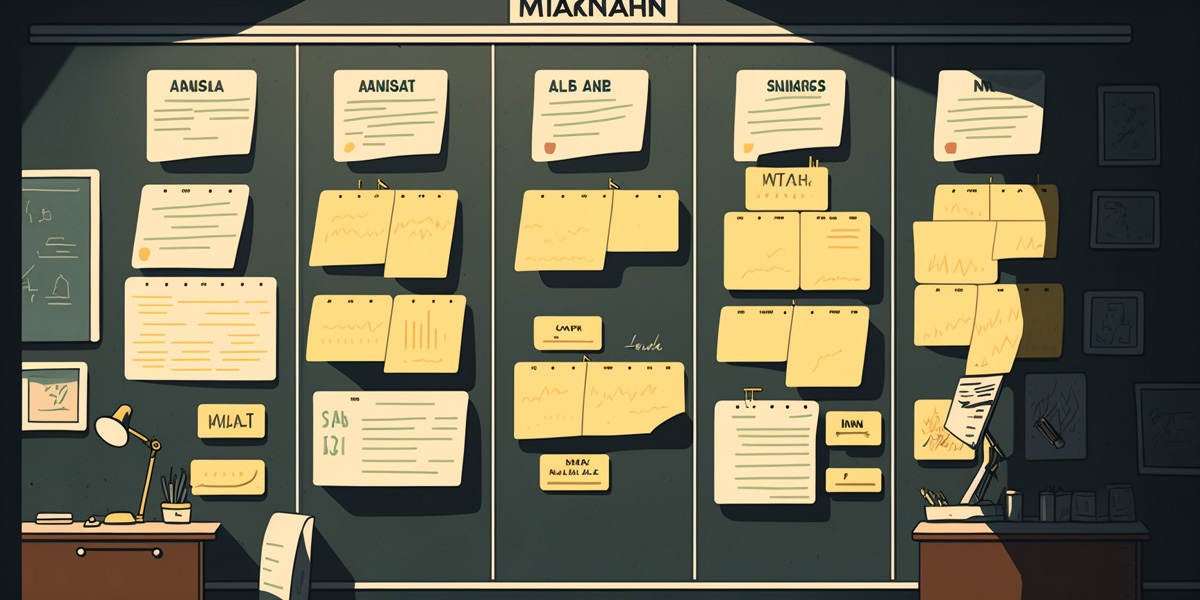
Может показаться, что это еще один неуместный инструмент. Однако по мере создания системы документации необходимо отслеживать, как продвигаются дела. Для этого можно использовать систему управления проектами. Например, можно создать доску канбан и завести карточки для каждого элемента документации, который необходимо создать. С помощью такой "доски канбан" можно легко отслеживать ход работы над каждым документом, начиная с его изготовления и заканчивая публикацией.
Но не стоит думать, что инструмент управления проектами будет использоваться только на начальном этапе проекта по управлению документацией. На самом деле эта документация будет постоянно находиться в состоянии эволюции. Это особенно актуально, если ваша компания документирует программное обеспечение, которое либо продается, либо используется внутри компании. Каждый раз, когда выходит новая версия программного обеспечения, в документацию необходимо вносить изменения. Почему бы не отслеживать этот процесс с помощью канбан-доски?
Облачное хранилище
Если вы не решили использовать CMS, Wiki или Git, то вам следует, по крайней мере, рассмотреть возможность облачного хранения документации. Как минимум, это позволит вашим командам получать доступ к общей документации и вносить в нее изменения.
Для этого можно использовать такие простые решения, как Google Drive или DropBox. С помощью любого из этих инструментов ваши сотрудники смогут легко работать над документацией, в которой так нуждается ваша компания.
Специализированная система управления документацией
Если вам не нравится идея создания собственной системы, вы всегда можете обратиться к готовой системе управления документацией или поручить ее создание сторонней команде разработчиков.
Если вы предпочитаете использовать готовые решения, то вам будет предложено множество вариантов, таких как Docufree Document Cloud, HotDocs, DocuPhase, Conga Document Generation и OneHub.
Заключение
Если вы все время откладывали серьезную работу над документацией, то сейчас самое время заняться этим вопросом вплотную. Без надлежащей документации ваши сотрудники и команды не смогут работать эффективно. А когда на работу принимаются новые сотрудники, введение их в курс дела может стать настоящей проблемой без надлежащей документации.
Используя перечисленные выше инструменты, вы сможете создать отличную платформу для работы с документацией, которая поможет вам двигаться вперед.