Как разобраться со скоростью загрузки сайта
Большинство пользователей Интернета не в восторге от того, что порой загрузки того или иного интернет-сайта приходится ждать очень долго. Конечно, если ваш сайт долго загружается, то он обязательно потеряет часть своей аудитории.
Каким бы ни был интересным и полезным сайт, он должен загружаться достаточно быстро. Если не предпринимать попытки ускорить загрузку медлительного сайта, то можно быть уверенным в том, что аудитория найдет себе аналогичный проект, но работающий значительно быстрее.
Пользователи могут выбрать даже немного менее качественный интернет-сайт, который работает быстрее, чем более качественный, но на работу с которым нужно тратить массу времени и нервов. Конечно же, в современном мире скорость более чем важна, каждый ваш конкурент находится на расстоянии одного клика!
Почему же сайт долго загружается? В чем причины долгой загрузки страниц и зависания?
Часто проблемы с загрузкой возникают у более крупных интернет-ресурсов. В то же время есть самые простые сайты-визитки, загрузку страниц которых можно дожидаться по несколько минут. Во втором случае разработчики сайта допустили ошибки в оптимизации кода, как правило, особенно важно обратить на это внимание, если он создан мощной CMS, потребляющей много серверных ресурсов.
Каждый, кто хочет ускорить свой сайт, должен понимать, как работают алгоритмы получения страницы браузером пользователя.

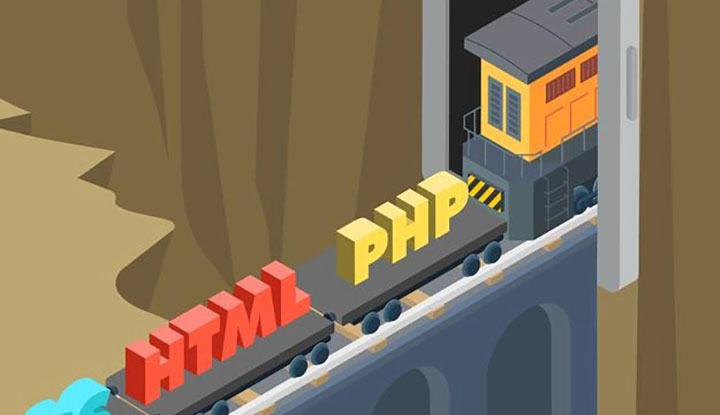
Мы для примера возьмем самую стандартную динамичную страницу, включающую в себя и PHP-код, MySQL базу, HTML, JavaScript-скрипты, и таблицу стилей. Когда вы вводите адрес страницы такого сайта в браузере, то через несколько секунд видите уже визуальную интерпретацию страницы. В это время происходит множество процессов:
- браузер отправляет запрос на получение с сервера соответствующей страницы;
- далее сервер обрабатывает запрос, получает данные в базе одновременно исполняя код PHP самой страницы;
- а после это все генерируется в html+css+js, чтобы выдать в браузере красивую страницу;
- так как сам JavaScript чаще всего не имеет серверной части (если не брать его фреймворки в обзоре вроде Node.JS), обрабатывается он на стороне браузера, а значит на скорость загрузки может влиять только размер самих JS скриптов, загружаемых браузером при отображении страницы.
Кроме данных, полученных с вашего сервера, могут передаваться картин