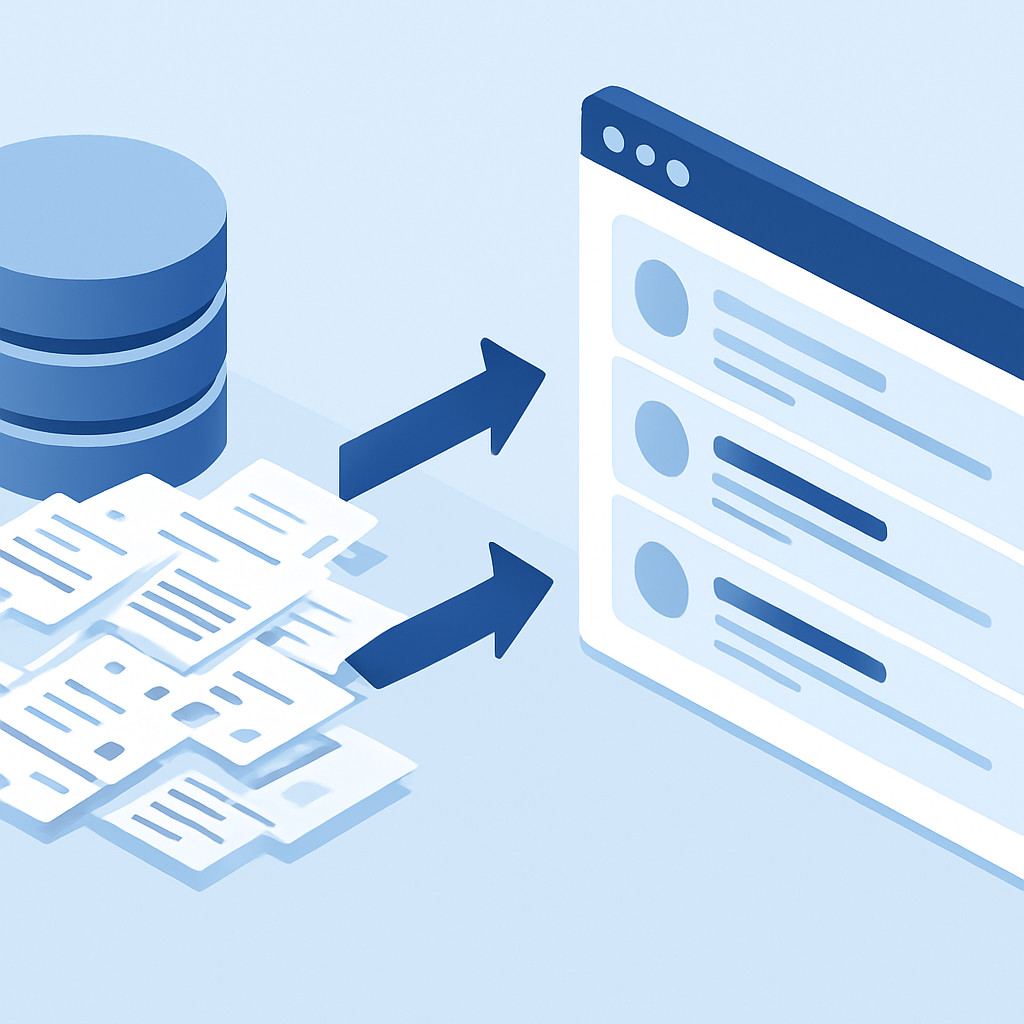
Как перенести клиентскую базу без потерь и дублей: выбираем между CSV и API, наводим порядок в данных и обеспечиваем непрерывность бизнес-процессов.
Переезд на новую CRM-систему часто сравнивают с переездом в новый офис: кажется, что коробок слишком много, часть вещей может потеряться, а в суматохе легко взять с собой ненужный хлам. В корпоративной среде этот «хлам» — дубликаты клиентов, неактуальные контакты и разорванные цепочки сделок. Миграция данных — не техническая рутина, а стратегический процесс, от которого зависит скорость возврата инвестиций в новую систему. В этой статье мы разберем, как спланировать бесшовный переезд, выбрать правильный инструментарий и не потерять ни байта ценной истории.
Аудит и подготовка: почему чистка до миграции дешевле исправления после
Главная ошибка — загружать в новую CRM всё подряд. Перенос «мертвых душ», невалидных номеров и контактов без истории создает информационный шум, который парализует работу менеджеров в первые же недели. Цена исправления ошибки в данных, найденной после миграции, в 10 раз выше, чем стоимость её предотвращения на этапе планирования. Мы в ESK Solutions всегда начинаем проект с аудита исходных таблиц.
Критерии качества данных перед миграцией
Перед тем как нажать кнопку «Импорт», важно привести базу к единому стандарту. Мы выделяем несколько критических параметров:
- Полнота: заполнены ли критичные поля, такие как название компании, контактное лицо и телефон? Пустые поля создают проблемы при сегментации и скоринге лидов.
- Уникальность: готовый датасет не должен содержать нескольких записей, ссылающихся на одного реального клиента. Это залог успешной дедупликации.
- Консистентность: проверяем, чтобы номера телефонов были приведены к единому формату (например, +7 (XXX) XXX-XX-XX), а даты — к UTC или локальному времени системы. Разночтения в написании адресов или статусов — частая причина сбоев при автоматическом импорте через API.
Иногда целесообразно провести не полный перенос, а миграцию только активной части базы, поместив архивные записи в холодное хранилище. Это повышает производительность новой системы. Для сложноструктурированных данных мы рекомендуем использовать методы, описанные в наших практиках по заказной веб-разработке.
CSV или API: выбираем инструмент для импорта данных
Способ передачи данных определяет не только скорость, но и глубину интеграции. Выбор между файловой загрузкой и программным интерфейсом зависит от объема, сложности архитектуры и бизнес-логики, которую нужно сохранить.
Импорт через CSV-файлы: плюсы, минусы и подводные камни
Для малого и среднего бизнеса CSV остается самым доступным способом. Это наглядно: выгрузка из Excel, приведение к нужной кодировке (UTF-8 обязателен для избежания проблем с кодировкой), настройка мэппинга полей и запуск, например, массового импорта с 10 000 записей. Однако здесь много ручного труда, что чревато ошибками.
Типичные проблемы CSV-миграции:
- Связанные сущности: трудно перенести не просто карточку контакта, а его связь с конкретной сделкой, файлами счетами и заметками в таймлайне.
- Разделители и экранирование: запятая в названии компании или перенос строки внутри заметки могут сломать структуру файла, если не настроены корректные операторы экранирования.
API-интеграция как стандарт качества
Для проектов уровня Enterprise, где присутствуют высокие требования к облачной разработке и безопасности, безальтернативным вариантом становится REST API. Этот метод позволяет перегонять сущности со всеми связями, соблюдая ограничения скорости (rate limits) и валидируя данные на лету.
Программная миграция позволяет реализовать сложные сценарии трансформации. Например, один контрагент из старой учетной системы может автоматически разделяться на несколько юрлиц в новой CRM, или наоборот, сливаться в единый профиль холдинга. Такой подход требует компетенций в бэкенд-разработке, аналогичных созданию SaaS-решений, где логика обработки данных критически важна.
Дедупликация: от поиска дублей до настройки мастер-записи
По нашей статистике, в системах, которые мигрируют впервые, уровень задублированности данных может достигать 15-20%. Проблема не только в захламлении интерфейса. Дубли вредят аналитике: воронка продаж искажается, так как один клиент может одновременно числиться в нескольких статусах сделки.
Стратегии поиска дубликатов
Алгоритмы сравнения строк можно разделить на три уровня сложности:
- Точное совпадение: поиск по уникальным ключам — ИНН для юридических лиц, email или номер телефона для физических. Самый быстрый, но недостаточный метод, так как клиенты часто оставляют разные контакты.
- Нечеткое сравнение (Fuzzy Logic): использование расстояния Левенштейна или алгоритма Soundex/Double Metaphone для сопоставления по звучанию. Позволяет ловить дубли с опечатками («Рога и копыто» vs «Рога&Копыта»).
- Семантический анализ и ML: наиболее продвинутый метод, где модель машинного обучения сопоставляет профили по косвенным признакам (гео, индустрия, пересечение IP-адресов), исключая ошибочные склейки. Это особенно актуально при больших данных и сложных B2B-структурах.
Правила склейки и мастер-запись
Недостаточно просто найти дубликаты, нужно правильно их слить. В финальной записи необходимо сохранить наиболее полные данные из всех источников, выбрав приоритетный источник. Например, телефон берем из последнего успешного касания, юридический адрес — из бухгалтерской выгрузки, а историю звонков агрегируем из всех найденных дублей, формируя мастер-запись. Если проект подразумевает высокие нагрузки, мы задействуем опыт облачной разработки инфраструктуры для быстрой обработки данных в оперативной памяти.
Сохранение истории взаимодействий: связность как конкурентное преимущество
Самая чувствительная зона — это история. Потеря цепочки писем, логов звонков и заметок о договоренностях обнуляет контекст отношений с клиентом. Менеджер в новой CRM должен видеть не просто контакт, а путь длиною в несколько лет.
Миграция таймлайна
Основная цель — воссоздать хронологию в карточке клиента или сделки. Комментарии, смена статусов, вложения, события в календаре — все эти элементы должны быть прикреплены к мигрированным сущностям с сохранением авторства и временных меток. Для этого обычно создается служебное поле «Источник миграции», а все старые события импортируются через API от имени технического пользователя, при этом в теле заметки указывается реальный автор из старой системы.
Особую сложность представляют файлы — коммерческие предложения и сканы договоров. Мало перенести бинарные данные, нужно перестроить ссылки, чтобы вложения были доступны в соответствующих полях карточки сделки, а не просто свалены в общее облако. При разработке корпоративных порталов и хранилищ мы часто решаем задачу сохранения иерархии доступа к этим данным.
Часто задаваемые вопросы
Вопрос: Можно ли провести миграцию без остановки работы старых менеджеров?
Ответ: Да, современные инструменты ETL (Extract, Transform, Load) и кастомные скрипты позволяют выполнить первоначальный перенос, а затем запустить фоновую синхронизацию изменений (инкрементальную подгрузку). Пользователи могут работать в старой системе до момента переключения, после чего в течение короткого технологического окна происходит финальная синхронизация.
Вопрос: Что важнее при мэппинге полей — скорость или точность?
Ответ: Безусловно, точность. Лучше потратить на несколько дней больше на этапе анализа и тестовой миграции в «песочнице», чем потом месяцами разбирать жалобы пользователей на некорректные данные. Бизнес-логика новой CRM должна накладываться на очищенные данные, а не пытаться переварить хаос.
Вопрос: Гарантирует ли автоматическая дедупликация 100% чистоту базы?
Ответ: Даже самый умный алгоритм может ошибаться при склейке (например, объединив разных людей с одинаковыми ФИО). Поэтому мы всегда настраиваем пороги уверенности: записи с вероятностью дубля выше 95% сливаются автоматически, а все, что ниже, отправляются в «интерфейс слияния» для ручной проверки администратором.
Вопрос: Как быть с данными, которые невозможно перенести из-за архитектурных различий?
Ответ: Если в старой системе были уникальные кастомные объекты, которым нет места в новой структуре, мы рекомендуем создать архивный дашборд или отдельную Non-Transactional Database (база только для чтения). Доступ к ней сохраняется для аудита, но ежедневная работа ведется только с данными, которые удалось мигрировать полностью.