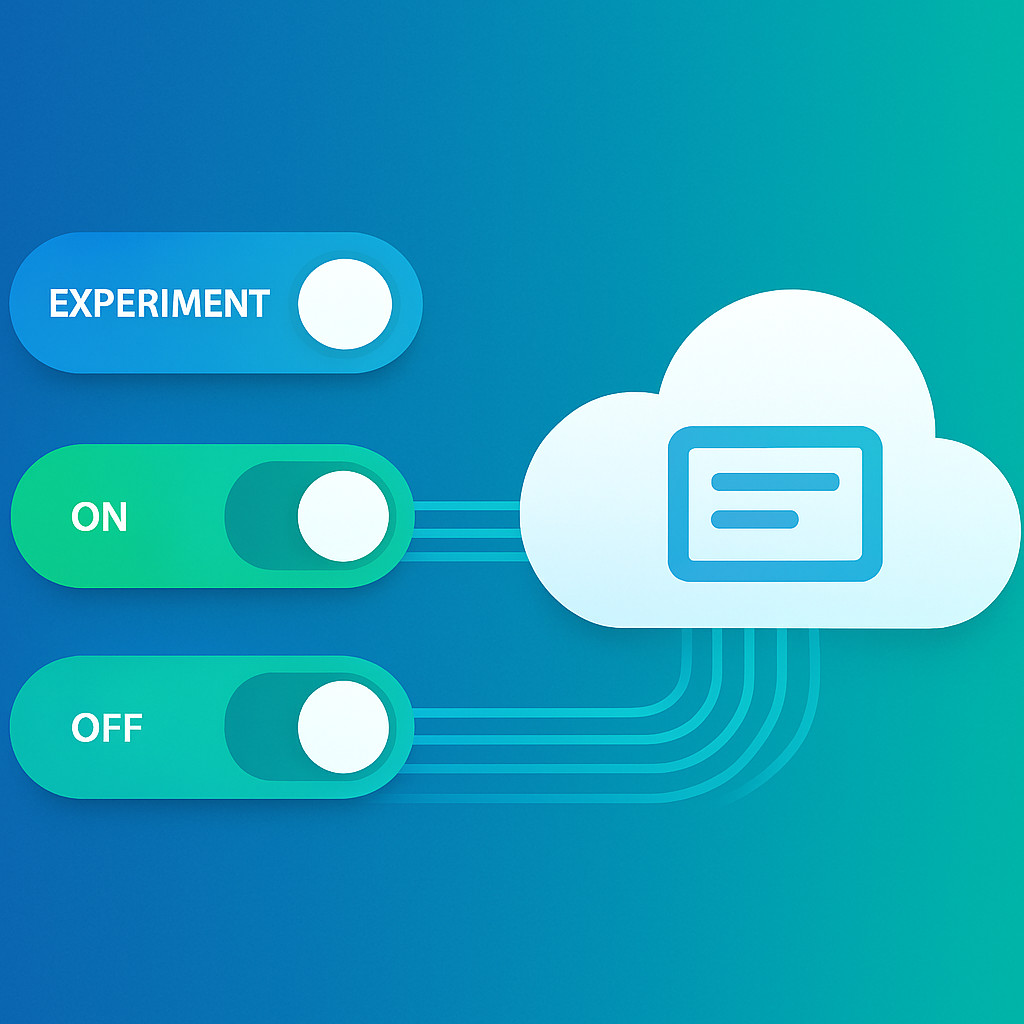
Как с помощью feature-флагов ускорить доставку ценности, снизить риски и повысить качество SaaS-продукта
В современных SaaS-продуктах скорость вывода новых функций на рынок — ключевой фактор конкурентоспособности. Однако частые обновления не должны превращаться в лотерею: риск деградации сервиса или внесения критических ошибок заставляет искать инструменты контролируемого релиза. Feature flags (флаги функций) предоставляют механизм, позволяющий включать и выключать функциональность без перевыпуска приложения — это фундамент для экспериментов, канареечных развертываний и безопасного отката. В статье мы разберем, как реализовать поэтапный релиз с помощью фича-флагов и минимизировать риски в SaaS.
Что такое feature flags и зачем они SaaS-продукту
Флаг функции — это условный переключатель в коде, который управляет видимостью или поведением определённой части приложения. Его состояние можно менять динамически, без деплоя новой версии. Это разделяет понятия «деплой» (выкладка кода) и «релиз» (включение функции для пользователей). Для SaaS-продуктов такое разделение критически важно, поскольку позволяет:
- выполнять частые деплои без привязки к релизу — код попадает в продакшен, но функция остается скрытой;
- быстро включать и выключать функциональность по требованию бизнеса или при обнаружении ошибки;
- проводить эксперименты и A/B-тесты на реальных пользователях без пересборки приложения;
- снижать стресс для команды и бизнеса, так как откат не требует процедуры отката кода.
В разработке SaaS-приложений фича-флаги становятся не просто техническим трюком, а архитектурным паттерном, встроенным в CI/CD-пайплайн. Без них сложно представить непрерывную доставку и практику «release on demand», которую ждут заказчики.
Эксперименты и A/B-тестирование с помощью фича-флагов
Одна из самых востребованных практик — проведение контролируемых экспериментов на ограниченной аудитории. Флаги позволяют тонко таргетировать пользователей: по доле трафика, региону, тарифному плану, поведенческим признакам. Например, команда может включить новый алгоритм рекомендаций для 5% случайных пользователей и сравнить конверсию с контрольной группой. Вся логика остаётся внутри приложения, а управление выносится в систему конфигурации.
При этом важно, чтобы система флагов поддерживала сбор метрик и интеграцию с аналитическими платформами. Тогда эксперимент становится прозрачным: данные о каждой группе поступают в реальном времени, а решение о полном развёртывании принимается на основе статистически значимых результатов.
Для фронтенда SaaS-решений, реализованного на современных фреймворках, особенно полезна гибкая настройка визуальных изменений через веб-разработку с применением feature-флагов. Это даёт маркетингу и продуктовым менеджерам независимый канал для проверки гипотез, не затрагивая бэкенд-логику.
Поэтапный релиз: от канареечных деплоев к прогрессивной доставке
Поэтапный релиз (staged rollout) — естественное развитие идеи фича-флагов. Он позволяет плавно наращивать аудиторию, которая видит новую функцию, одновременно отслеживая технические метрики и бизнес-показатели. Наиболее популярная модель — канареечный релиз (canary release).
Канареечный релиз
При канареечном подходе новая версия сервиса или функции сначала активируется для небольшого сегмента (например, 1–2% пользователей). Система мониторинга отслеживает ошибки, задержки, потребление ресурсов. Если в течение заданного периода аномалий не обнаружено, охват расширяется — сначала до 10%, затем до 25% и так до 100%. При любом ухудшении флаг мгновенно отключается, и функция деактивируется для всех.
Такой подход минимизирует «радиус взрыва»: даже серьёзная ошибка затрагивает лишь малую часть аудитории, и её влияние на бизнес ограничено. В случае SaaS это напрямую влияет на удержание клиентов и репутацию.
Прогрессивная доставка
Прогрессивная доставка (progressive delivery) идёт дальше: она комбинирует автоматизированные канареечные шаги с детальным таргетингом по сегментам. Например, новую интеграцию с CRM можно сначала предоставить клиентам из определённой отрасли или тем, кто выразил готовность участвовать в бета-тестировании. Это превращает релиз в непрерывный управляемый поток, а не в единовременное событие.
Для масштабирования таких сценариев необходима надёжная инфраструктура управления конфигурациями и облачные сервисы, которые могут обрабатывать миллионы проверок флагов в реальном времени без задержек. Наши услуги по разработке облачных сервисов включают проектирование высоконагруженных систем хранения и доставки флагов, что особенно важно для SaaS с глобальной аудиторией.
Безопасный откат и kill switches: минимизация рисков
Ключевое преимущество фича-флагов — возможность мгновенного отката. Если новая функция вызывает проблемы, отключение флага происходит за секунды, и пользователи возвращаются к стабильному поведению без передеплоя. Это меняет культуру управления инцидентами: вместо панической откатки всей версии достаточно одного переключателя.
Часто такое свойство реализуют через «аварийные рубильники» (kill switches). Это отдельные флаги, которые управляют критической функциональностью и могут быть активированы операционной командой вручную или автоматически при срабатывании алертов. Например, если модуль интеграции с платёжным шлюзом начинает возвращать ошибки на 5% транзакций, kill switch отключает его, переводя систему на резервный сценарий.
Важно не путать это с откатом кода. Код остаётся в продакшене, но не выполняется. Техническая команда может спокойно проанализировать проблему и подготовить исправление, не торопясь и не подвергая пользователей риску. А время возврата к нормальной работе может сократиться с часов до нескольких секунд — например, оператор дежурной смены через панель управления флагами отключает проблемный компонент сразу после подтверждения инцидента.
Лучшие практики внедрения feature flags в жизненный цикл SaaS
Чтобы флаги приносили пользу, а не создавали хаос, стоит следовать проверенным практикам.
Типы флагов и их управление
- Release flags — управляют поэтапным выкатыванием новых функций. После полного релиза такой флаг должен быть удалён.
- Experiment flags — используются для A/B-тестов и, как правило, существуют ограниченное время до завершения эксперимента.
- Operational flags (или kill switches) — для аварийного отключения функциональности. К ним предъявляются повышенные требования по надёжности и скорости срабатывания.
- Permission flags — управляют доступом к платным возможностям или функциям по тарифу.
Чёткая категоризация предотвращает неконтролируемый рост количества флагов и упрощает их аудит.
Избегайте «флагового долга»
Каждый долгоживущий флаг увеличивает сложность кода, количество ветвлений и поверхность для тестирования. Разработайте процесс регулярной очистки: после того как функция полностью выпущена и проработала в продакшене без инцидентов определённый срок, флаг следует удалить, а код упростить. Инструменты статического анализа могут находить мёртвые флаги и сигнализировать о необходимости их удаления.
Интеграция с CI/CD
Управление флагами должно быть частью пайплайна: при создании задачи на новую функцию автоматически создаётся связанный флаг, статус которого обновляется при прохождении стадий тестирования и канареечного релиза. Это превращает фича-флаг из изолированного инструмента в элемент непрерывной доставки.
Описанные подходы применимы не только к классическим SaaS-продуктам, но и к таким узкоспециализированным решениям, как разработка CRM-систем. Например, флаги позволяют безопасно добавлять новые модули аналитики или автоматизации для клиентов без остановки работы остальных частей системы. Аналогично в корпоративных порталах флаги могут управлять видимостью внутренних сервисов для разных подразделений, снижая нагрузку на администраторов.
Часто задаваемые вопросы
Чем feature flags отличаются от конфигурационных параметров?
Традиционные конфигурационные параметры обычно задаются при старте приложения и требуют перезапуска для изменения. Feature flags работают в рантайме, позволяя менять поведение без рестарта, и поддерживают сложное таргетирование по сегментам пользователей. Это делает флаги интерактивным рычагом управления продуктом.
Можно ли использовать feature flags для управления платным функционалом?
Да, permission flags (флаги прав) — стандартный способ включать премиум-функции в зависимости от подписки клиента. Это упрощает монетизацию SaaS, так как переход между тарифами не требует изменения кодовой базы: достаточно обновить состояние флага в системе учёта прав.
Как избежать накопления устаревших флагов?
Внедрите процесс «flag removal sprint»: после полного выпуска функции команда планирует удаление соответствующего флага в ближайших итерациях. Используйте автоматизированные проверки в CI: если флаг не менялся и его охват 100% длительное время, система генерирует напоминание. Такой подход предотвращает раздувание кодовой базы.
Нужна ли отдельная инфраструктура для управления флагами?
Для небольших проектов можно начать с библиотек в коде, но по мере роста SaaS неизбежно потребуется централизованное решение — будь то готовая облачная платформа управления конфигурациями или собственный сервис на базе облачных технологий. Собственная разработка позволяет гибко интегрироваться с внутренними системами, но требует вложений в отказоустойчивость и низкую задержку доставки флагов.
Заключение
Feature flags — не просто технический приём, а стратегический инструмент для SaaS-команд, стремящихся к непрерывной, безопасной и управляемой доставке ценности. Они превращают релиз в контролируемый процесс, где эксперименты становятся рутиной, а откат — лёгким движением переключателя. Внедрение флагов требует методологической зрелости и продуманной архитектуры, но окупается скоростью реакции на обратную связь и устойчивостью продукта.
Команда ESK Solutions специализируется на заказной разработке SaaS-приложений и готова помочь внедрить культуру фича-флагов в ваши процессы — от проектирования сервиса управления конфигурациями до интеграции в CI/CD и настройки канареечных развёртываний. Свяжитесь с нами, чтобы обсудить ваш проект и перейти к безопасным релизам без компромиссов.