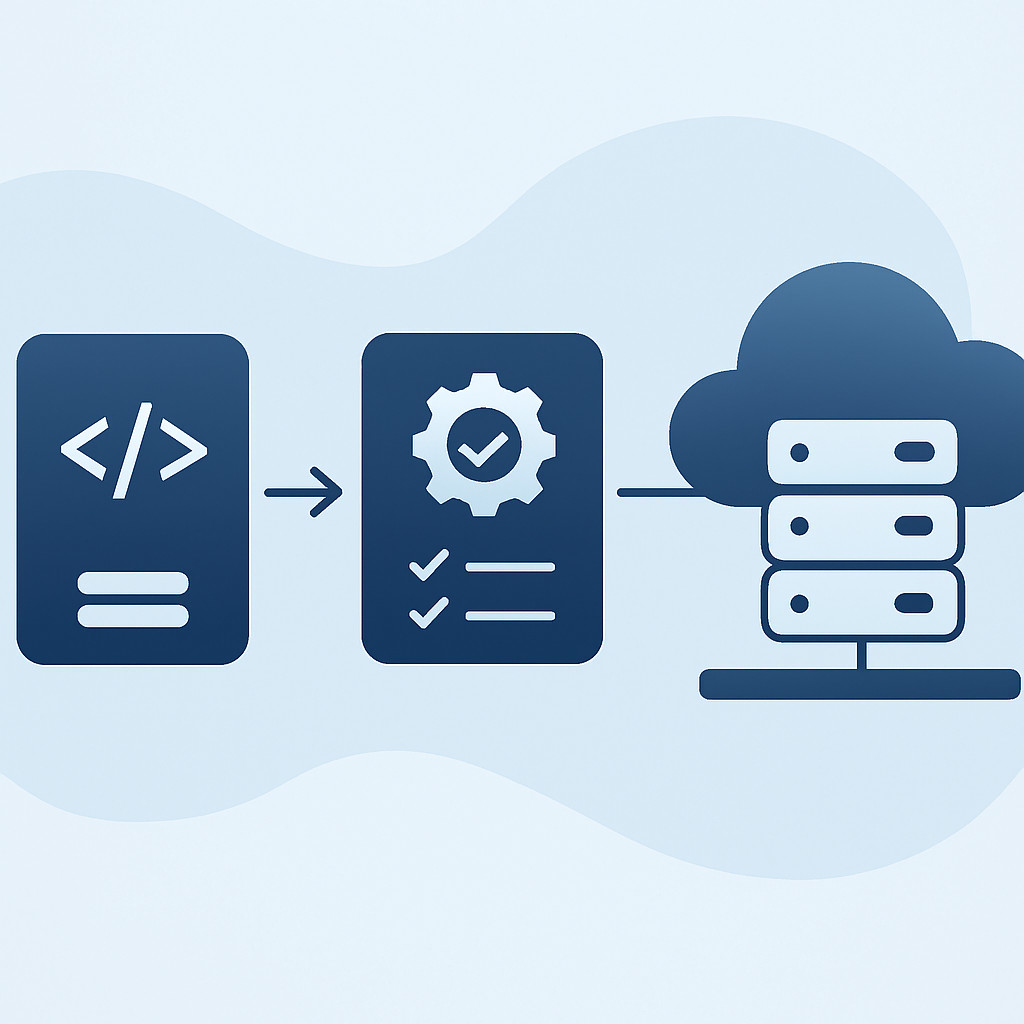
Как автоматизировать тестирование, сборку и деплой веб-приложений
Введение
Современная веб-разработка требует быстрой и надёжной доставки изменений до пользователей. Continuous Integration и Continuous Delivery (CI/CD) стали стандартом, позволяя командам автоматизировать рутинные процессы — от запуска тестов до выкатки на продакшен. В этой статье мы рассмотрим, как настроить CI/CD-пайплайны для веб-проектов с использованием GitLab CI/CD и GitHub Actions, разберём ключевые этапы и лучшие практики. Правильно выстроенный пайплайн сокращает time-to-market, повышает качество кода и снижает риски при релизах.
Зачем нужен CI/CD в веб-разработке
Ручные сборки и деплои тормозят развитие продукта и ведут к ошибкам «человеческого фактора». CI/CD решает эти проблемы, обеспечивая:
- Автоматический запуск тестов при каждом коммите, что предотвращает попадание дефектного кода в основную ветку.
- Быструю обратную связь для разработчиков.
- Воспроизводимые и предсказуемые релизные процессы.
- Возможность частых и малых релизов, соответствующих Agile-подходам.
В разработке веб-приложений особенно важно быстро реагировать на изменения требований и оперативно устранять инциденты, поэтому зрелый CI/CD — необходимое условие конкурентоспособности.
Популярные инструменты: GitLab CI/CD и GitHub Actions
GitLab CI/CD
GitLab CI/CD — мощная встроенная система, конфигурируемая через файл .gitlab-ci.yml. Поддерживает стадии, джобы, параллельное выполнение и распределённые раннеры. Ключевые возможности: кастомные окружения, артефакты, кеширование зависимостей, интеграция с Docker и Kubernetes.
GitHub Actions
GitHub Actions позволяет определять рабочие процессы прямо в репозитории с помощью YAML-файлов в папке .github/workflows. Богатый маркетплейс готовых actions ускоряет внедрение: сборка, тестирование, линтинг, деплой в облачные платформы. Бесплатный тир щедрый, что делает Actions привлекательным для open-source и небольших коммерческих проектов.
Оба инструмента зрелые; выбор часто зависит от экосистемы, в которой работает команда. Главное — внедрить непрерывную интеграцию и доставку в повседневную практику.
Сборка и тестирование в пайплайне
Пайплайн должен включать этапы статического анализа кода, сборки, модульного и интеграционного тестирования. Типовая структура:
- Линтинг и проверка форматирования (ESLint, Prettier, RuboCop).
- Сборка артефактов (упаковка фронтенда, контейнеров).
- Юнит-тесты и проверка типов.
- Интеграционные тесты с поднятием временной базы данных или мок-сервера.
При разработке SaaS-решений особенно важно автоматизировать тестирование API и взаимодействия микросервисов, так как продукт часто состоит из множества компонентов, обновляемых независимо.
Стратегии деплоя
Безопасное обновление продакшен-окружения требует продуманной стратегии развёртывания. Распространённые подходы:
- Blue-Green — два идентичных окружения: в режиме реального времени только одно (Blue), другое (Green) обновляется и тестируется, после чего трафик переключается.
- Canary — новая версия сначала получает небольшой процент трафика; при положительных метриках постепенно вытесняет старую.
- Rolling — экземпляры обновляются поочерёдно с сохранением частичного трафика на старой версии.
При использовании облачных сервисов и контейнерной оркестрации (Kubernetes, AWS ECS) эти стратегии реализуются нативно, а пайплайн лишь отдаёт команды на деплой.
Безопасность и управление секретами
Ключи API, пароли БД и токены не должны храниться в коде или логах. Используйте встроенные хранилища секретов: GitLab CI/CD Variables и GitHub Secrets. Ограничьте доступ к production-секретам защищёнными ветками и тегами, применяйте аудит. Дополнительно включите в пайплайн сканирование образов на уязвимости (Trivy, Snyk) и проверку зависимостей.
Мониторинг и уведомления
После деплоя важно оперативно узнать о состоянии приложения. Настройте интеграцию пайплайна с каналами уведомлений (Slack, Telegram, email) для оповещения об успешных и неудачных билдах. Свяжите CI/CD с системами мониторинга и APM, чтобы автоматически откатывать релиз при падении ключевых метрик.
Часто задаваемые вопросы
Какой инструмент CI/CD лучше для небольшого веб-проекта?
Оба варианта подходят. GitHub Actions проще в настройке для проектов, уже размещённых на GitHub, и имеет generous free tier. GitLab CI/CD удобен, если используется GitLab и нужны расширенные возможности управления артефактами. Выбирайте исходя из удобства команды и инфраструктуры.
Можно ли совмещать разные стратегии деплоя в одном пайплайне?
Да, в пайплайне можно настроить несколько окружений (staging, production) и для каждого использовать свою стратегию. Например, для staging — простую замену, а для production — Canary-релизы с постепенным переключением трафика.
Нужно ли тестировать сам пайплайн?
Да, CI/CD пайплайн — это тоже код, и его изменения должны проходить ревью и тестироваться на feature-ветках. Так вы избежите поломки основного процесса доставки.
Как обеспечить безопасность секретов в CI/CD?
Используйте встроенные механизмы хранения секретов (GitLab Variables, GitHub Secrets), не хардкодьте их, ограничивайте доступ к production-секретам только для защищённых веток и применяйте аудит действий с ними. Дополнительно шифруйте чувствительные данные перед сохранением.
Заключение
Внедрение CI/CD — это инвестиция в стабильность и скорость разработки. ESK Solutions помогает командам настроить эффективные пайплайны под конкретные задачи, будь то корпоративные порталы, веб-сервисы или сложные SaaS-решения. Свяжитесь с нами, чтобы обсудить ваш проект.